You can create an internal invoice. You can then use these:
- For internal charging of costs incurred;
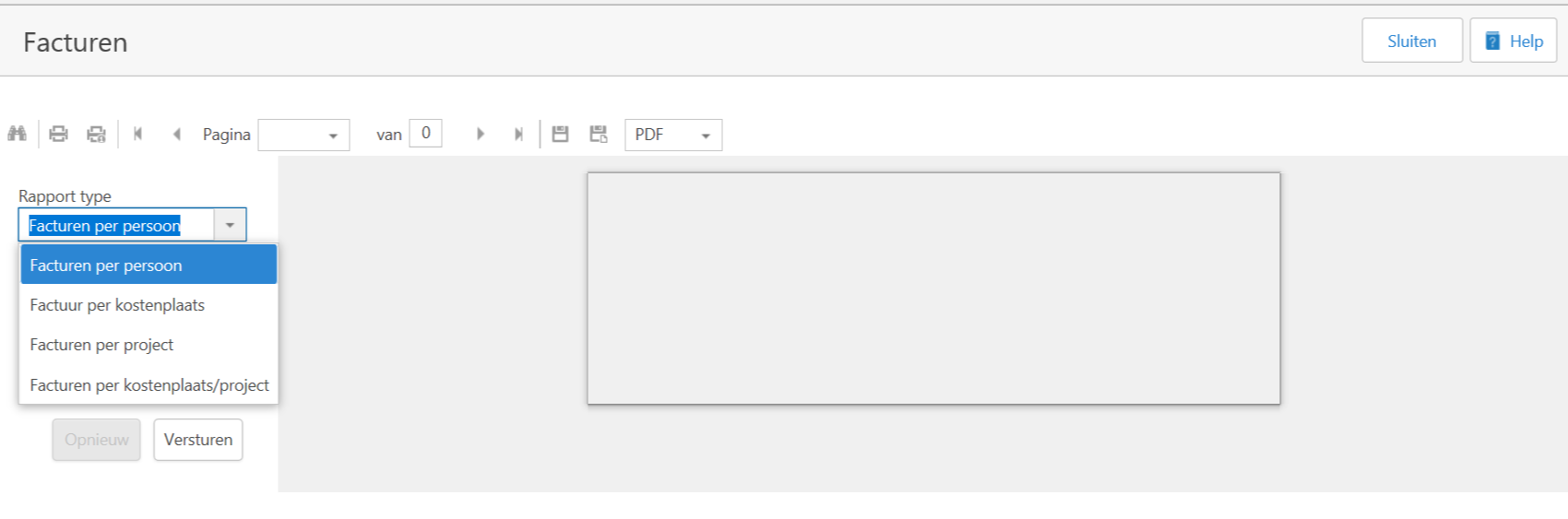
- As an overview of the costs of the use of substances per type:
- Per person;
- Per cost centre;
- Per project;
- Per cost center/ project
- As information to create an external invoice.
Create invoice
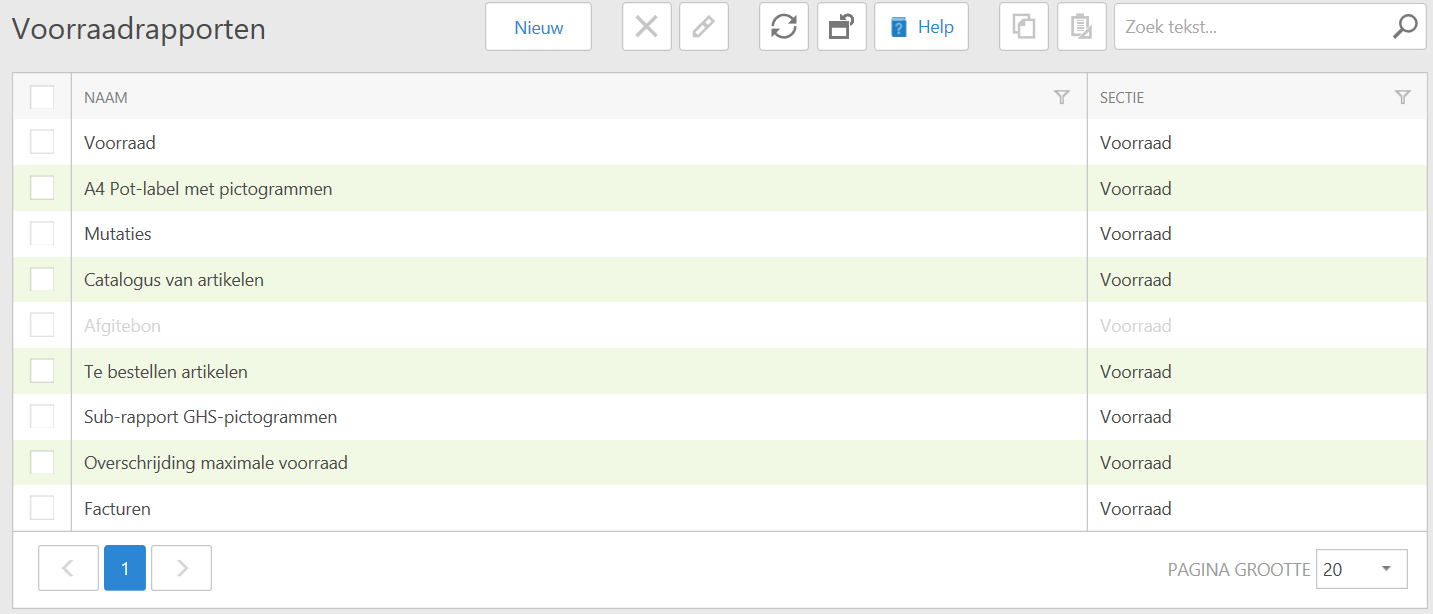
- In the menu on the left, go to Reporting > Stock. Here you will see the different reports you can choose. Click on the Invoices report. A new window will open.
- Choose the report type you want to create by clicking the black arrow ()
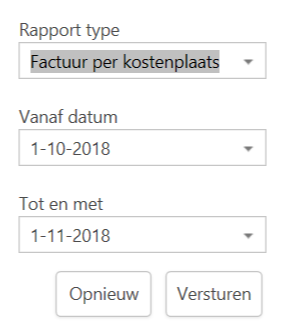
- Then choose the date period over which you want to run the report (this is set to a calendar month by default) and click Send.
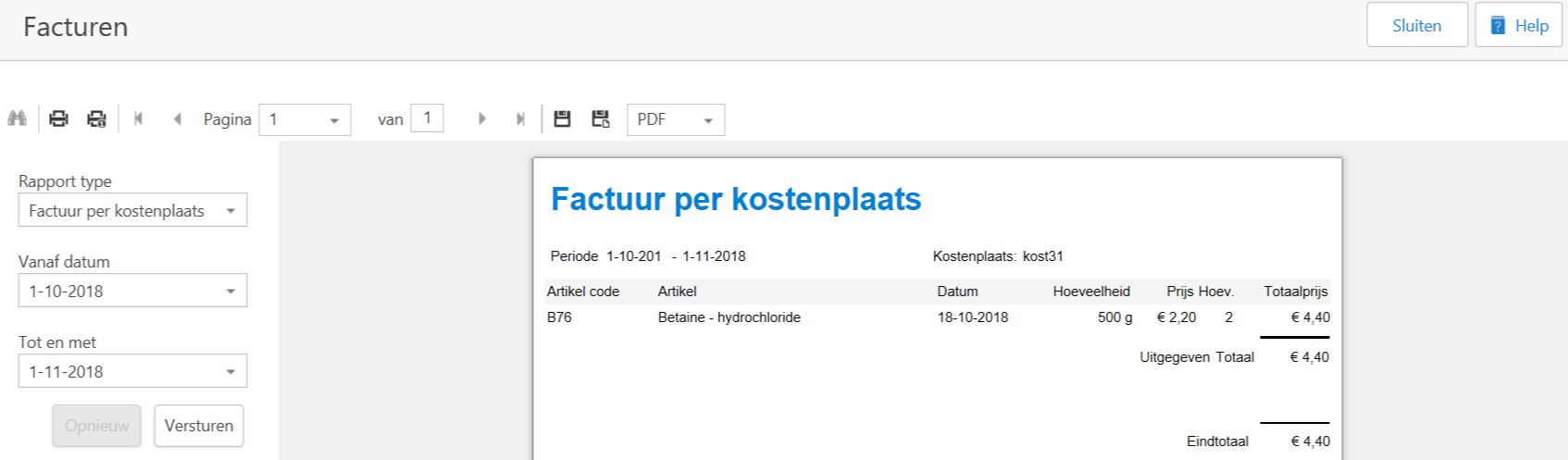
- Your report will be made. You can now choose how you want to further process the report.
See Also
